Business Briefcase Compartments and Organizer Design: What Corporate Teams Need
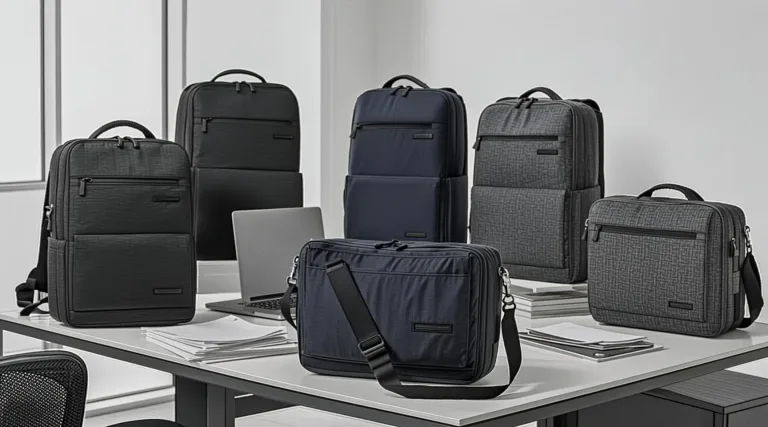
A briefcase can use durable fabric, a well-placed logo and attractive hardware, yet still disappoint users if its internal layout creates clutter. Corporate teams carry a mix of documents, devices, chargers, notebooks, access cards and small daily essentials. When these items compete for one unstructured compartment, the bag quickly becomes inconvenient.
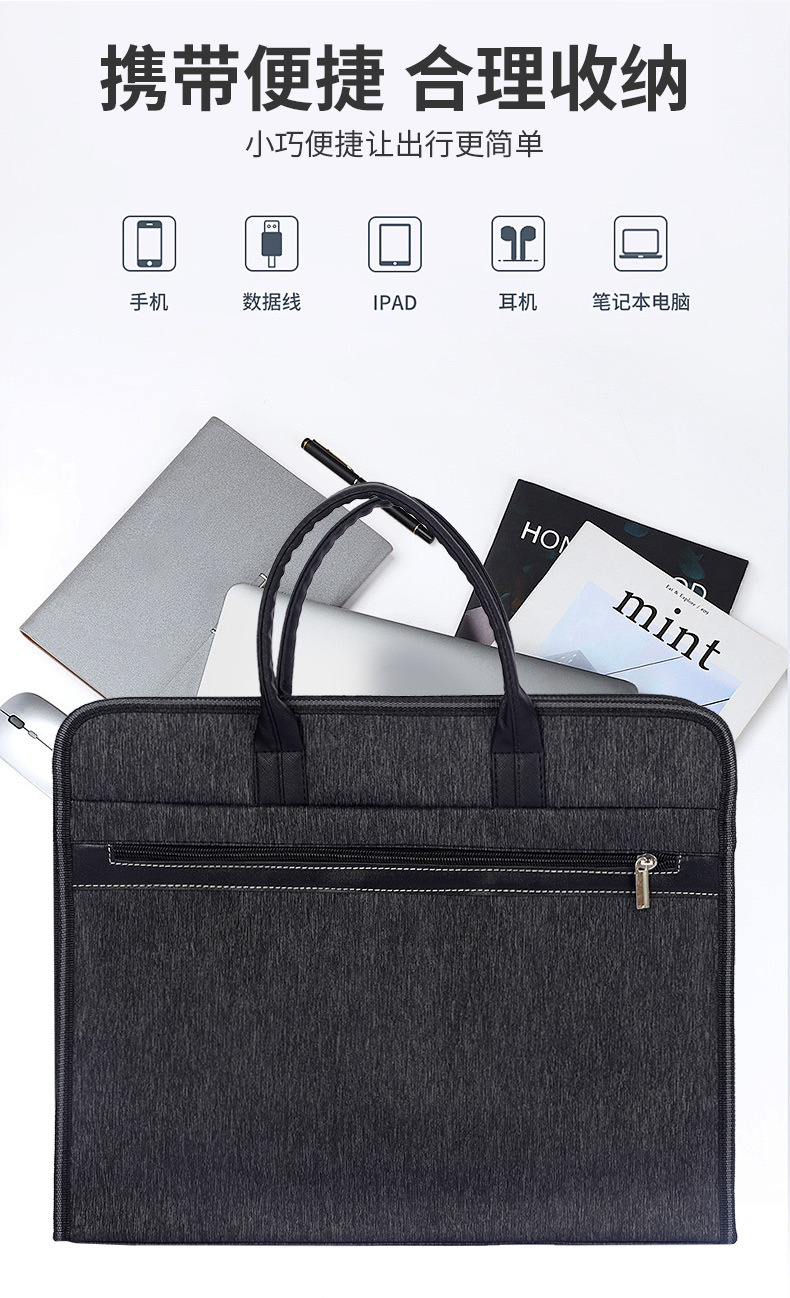
Good organiser design turns a bag from a branded object into a useful work tool. This guide explains which features matter when planning custom business briefcase organizer options for employee programmes, sales teams, client gifts and corporate events.
Business briefcase compartment design: user access patterns
The first question is not “How many pockets should we add?” It is “What does the user need to reach first?” A sales representative may need a quotation, business card and tablet quickly. A commuter may need a laptop, charger and access card. A conference attendee may need a notebook, pen and printed programme.
The best layout allows the user to reach high-frequency items without opening the whole bag or moving everything around. This improves the experience during a meeting, at reception or while travelling between appointments.
A useful brief should normally separate three categories:
- Protected items such as laptops, tablets and screens.
- Flat work items such as A4 documents, folders and notebooks.
- Small-accessory items such as pens, cards, cables, keys and chargers.
The main compartment: space for the working load
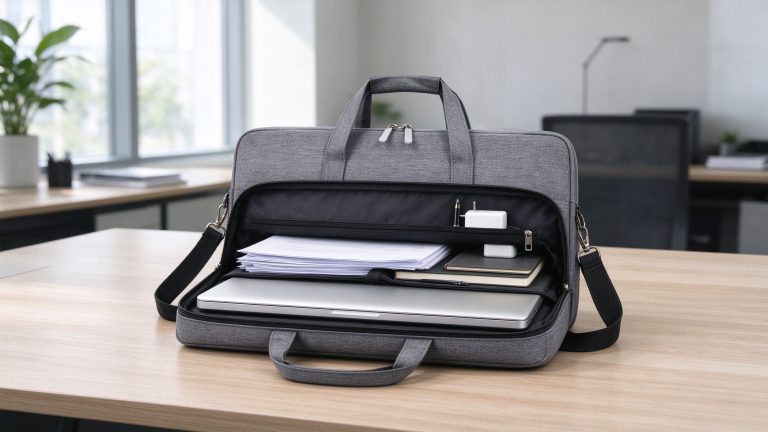
The main compartment needs enough volume for the largest routine items, but it should not be so empty that everything shifts around. For a document-first business briefcase, this area may hold A4 folders, presentation packs and a notebook. For a laptop-ready model, the main section should work alongside a padded computer sleeve rather than forcing users to place the device against loose items.
Ask buyers to define the expected load. A bag used for sales catalogues needs more depth than one used only for meeting notes. A briefcase for a staff onboarding kit may need space for a laptop, charger and welcome documents. The capacity should match the project—not a generic assumption about what “business users” carry.
Padded laptop and tablet sections
A separate device section is valuable when employees commute with computers. It keeps the laptop away from chargers, keys and hard accessories. The section should be sized around the actual device class and include enough padding to reduce everyday knocks.
The placement matters as well. A laptop sleeve close to the wearer’s back can help distribute weight more comfortably in some shoulder-bag configurations. A fully separate zippered compartment may offer quick access but can make the overall bag thicker. The right answer depends on whether device access or a slim profile is the greater priority.
For a business format that needs laptop-ready organisation, review the internal potential of Model 6046 alongside the more device-focused Model 162. The comparison helps clarify whether the project needs a document-led briefcase or a laptop-led carry solution.
Document dividers and flat storage
Business users often carry items that should remain flat: client contracts, training manuals, printed presentations, certificates or A4 folders. A simple divider can separate these papers from a computer or personal items. Without it, documents may bend, slide to the bottom or become difficult to retrieve in front of a client.
When specifying a divider, check whether it is fixed or flexible. A fixed divider gives structure but reduces the ability to carry larger items. A flexible organiser may be more adaptable for a team with varied working styles. The project brief should decide which trade-off is acceptable.
Front pockets: fast access without clutter
A front pocket is useful when it has a clear job. It can hold a mobile phone, access badge, meeting notes or business cards. If it is too deep or loose, it becomes a second main compartment where small items disappear.
For corporate projects, choose a front pocket based on the intended user. Sales staff may benefit from a pocket sized for brochures or a tablet. Conference users may need a simple zipped pocket for a name badge and programme. Office commuters may appreciate a secure space for transit cards or earbuds.
Business briefcase organiser pockets for small essentials
Small organiser pockets make a briefcase feel intentional, particularly when recipients use it every day. Pen loops, card slots, cable pockets and a dedicated phone sleeve can help users avoid carrying a separate pouch for basic accessories.
However, more pockets are not always better. Excessive compartments can add cost, make the interior bulky and reduce usable space. A practical design often uses a limited number of clearly sized pockets rather than many small features that no one uses.
| User type | High-priority organiser features | Lower-priority features |
|---|---|---|
| Office employee | Laptop sleeve, charger pocket, document divider, pen loop | Large sample compartment |
| Sales or field team | Quick-access front pocket, catalogue space, card holder, shoulder strap | Minimalist interior layout |
| Client gift recipient | Clean interior, document space, small accessories pocket | Highly technical cable management |
| Training attendee | Notebook section, pen loop, document sleeve | Heavy laptop padding if no devices are carried |
Charging and cable management
Cables are one of the main sources of untidiness in a work bag. A small elastic loop, zipped mesh pocket or removable accessory pouch can keep a charger and cable from tangling with documents. The design should allow the user to pack the charging accessories without creating pressure against the laptop sleeve.
If the project requests a USB port or other technical feature, clarify whether it is genuinely useful for the recipient. Such features can increase complexity and may not add value for a corporate programme focused on simple, reliable daily carry.
Handles, shoulder straps and balance
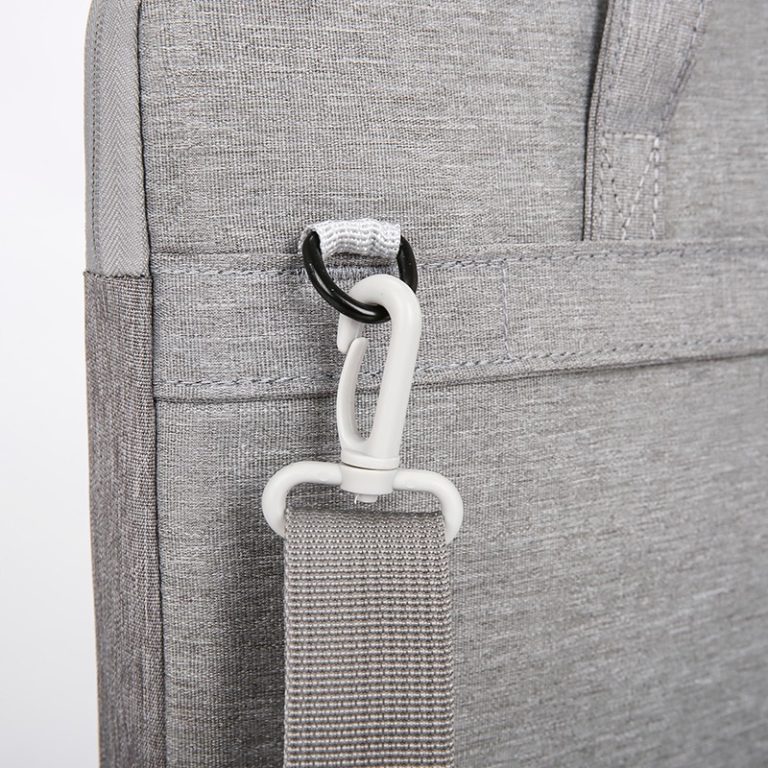
Organizer design is not only inside the bag. The placement of compartments affects how the briefcase feels when carried. A bag loaded with a laptop, documents and charger should not tip forward or pull awkwardly on one shoulder. The handle attachment, strap anchor points and distribution of heavy items should be reviewed during the sample stage.
This is especially important for sales teams and commuters. A neat internal arrangement helps maintain balance, while reinforcement at handle and strap points protects the bag during regular use.
Confirm your business briefcase organiser design with a sample
A rendering can show pocket locations, but a physical sample proves whether the layout works. Before bulk approval, load the sample with the items that will be carried in real life. Ask a representative user to remove a notebook, locate a cable, open the laptop section and carry the bag for several minutes.
Evaluate the following:
- Can documents stay flat and easy to access?
- Does the laptop section protect the device from hard accessories?
- Are small items easy to find?
- Does the bag remain comfortable when fully loaded?
- Do the pockets add function rather than unnecessary bulk?
The best business briefcase organiser is not the one with the most features. It is the one that makes the recipient’s workday feel more ordered.
Recommended reading
- Business Briefcase Size Guide: Documents, Laptops and Daily Work Essentials
- Business Briefcase Quality Checklist: 12 Bulk-Order Checks
- Business Briefcase vs Laptop Bag: Which Is Better for Your Team?
Need a layout built around your team’s actual work items? Tell us what users need to carry and request a practical organiser recommendation.
Explore Production Models & Request a Quote
Ready to move from guidance to a real bulk program? Review our production references such as Model 202Model 6046 or visit the Business Briefcases manufacturer page for specifications, customization options and QC detail. When your spec is set, request a project quote and we will return a like-for-like quote for your order.