How to Pack a Laptop Bag for Business Travel: A Professional’s Guide
Knowing how to pack a laptop bag properly is essential for any business professional who travels. A well-packed laptop bag protects your equipment, keeps documents organized, and ensures you can access everything you need during meetings and flights. This guide shows you exactly how to pack a laptop bag for maximum efficiency.

Why Proper Laptop Bag Packing Matters
Business travel demands efficiency. When you pack a laptop bag correctly, you avoid the frustration of searching for cables, damaging equipment, or arriving at a client meeting with wrinkled presentations. Professional travelers know that how you pack a laptop bag directly impacts your productivity on the road.
According to a recent survey, 67% of business travelers have experienced equipment damage due to improper packing. Learning to pack a laptop bag the right way prevents costly repairs and embarrassing moments in front of clients.
Choosing the Right Bag for Your Trip
Before you pack a laptop bag, you need the right bag for your specific trip. Different travel durations require different bag sizes and configurations.
Day Trips and Single-Day Meetings
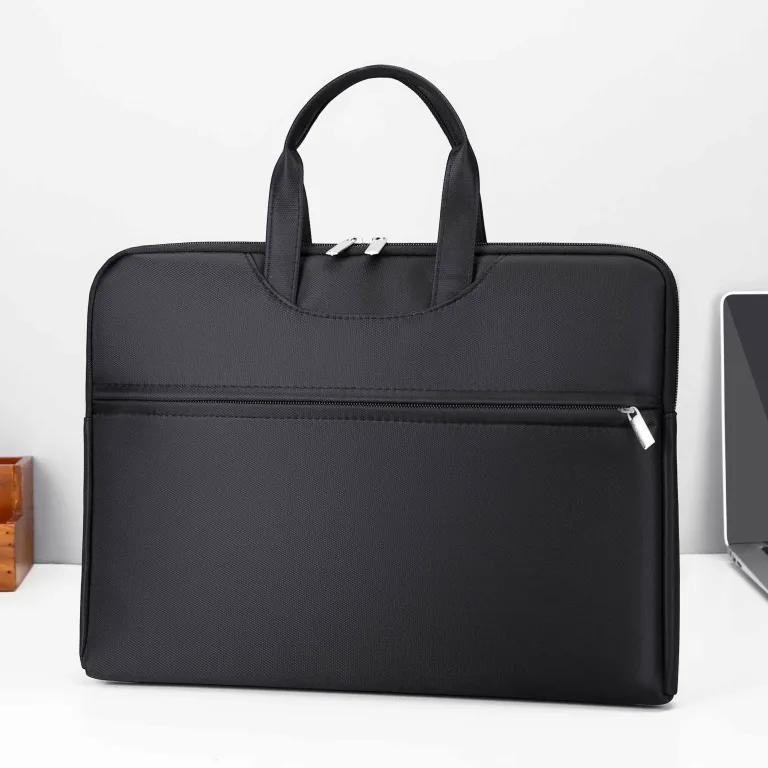
For same-day business meetings, a slim laptop briefcase provides enough space for your laptop, documents, and essentials. When you pack a laptop bag for day trips, focus on quick-access pockets for business cards, phone, and charging cables.
Overnight Business Travel
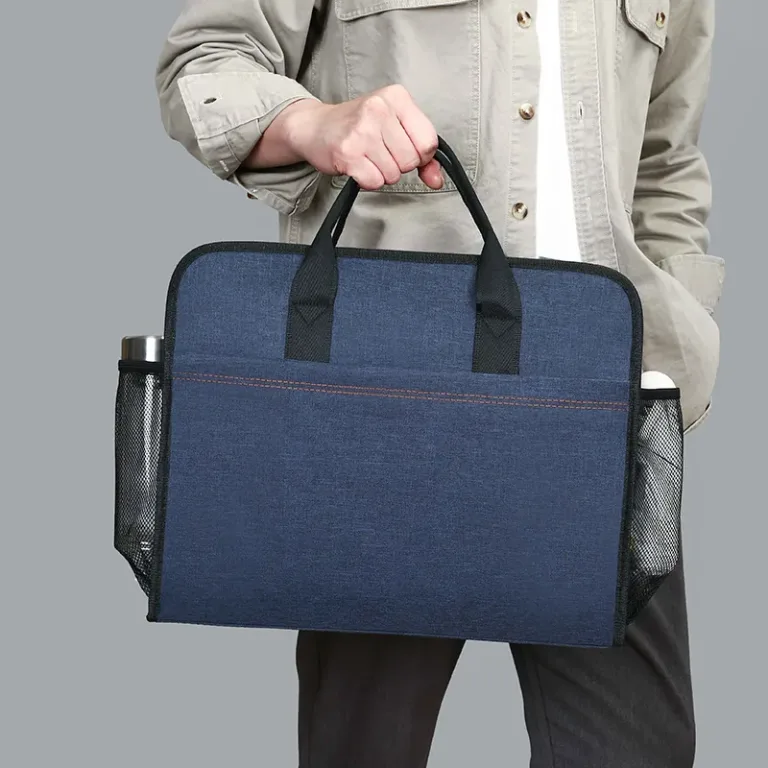
One-night trips require a large capacity laptop briefcase that can hold both your electronics and a change of clothes. The key to packing a laptop bag for overnight travel is using compression techniques and separate compartments for clean and worn items.
Multi-Day Conferences and Trade Shows
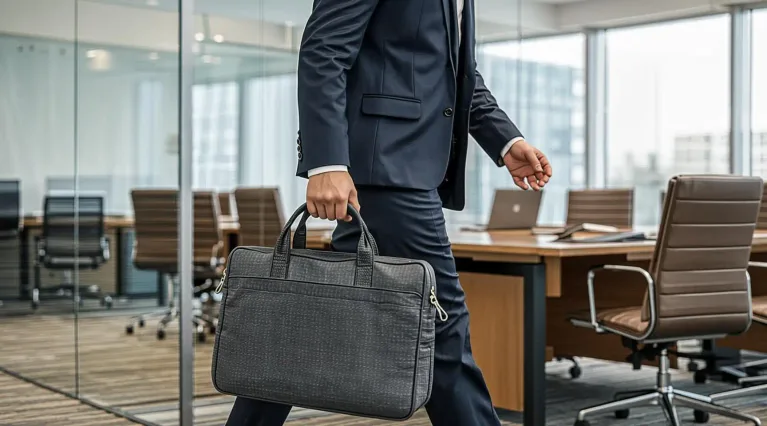
Extended trips demand a conference laptop briefcase with maximum capacity. When you pack a laptop bag for multi-day events, prioritize comfort features like padded straps and balanced weight distribution.
Step-by-Step: How to Pack a Laptop Bag
Follow this professional framework every time you pack a laptop bag:
Step 1: Start with the Base Layer
The bottom of your bag should hold heavy items that you will not need during travel:
- Power adapter and cables: Wrap cables neatly to prevent tangling
- Mouse and peripherals: Place in a small pouch
- Portable charger: Keep accessible for airport security screening
Step 2: Add the Middle Layer
The middle section holds your primary equipment and documents:
- Laptop in dedicated sleeve: Always use the padded laptop compartment – never place your laptop loose in the main section
- Tablet or secondary device: Use a separate sleeve to prevent screen scratches
- Documents and notebooks: Keep flat items in a document folder
Step 3: Fill the Top Layer for Quick Access
The top layer contains items you will need to reach quickly:
- Business cards: Place in an exterior pocket for instant access
- Phone: Use a dedicated pocket to prevent damage
- Pen and notepad: For quick notes during conversations
- Earbuds: Essential for flights and waiting rooms
Organization Tips for Frequent Travelers
Experienced business travelers use these techniques to pack a laptop bag more efficiently:
Cable Management
Tangled cables waste time and damage connectors. Use a cable organizer pouch to keep chargers, USB cables, and adapters separated. This simple trick saves minutes every time you pack a laptop bag.
Document Organization
Use a document folder with dividers to separate contracts, presentations, and personal papers. When you pack a laptop bag with organized documents, you can find what you need without rummaging through the entire bag.
Weight Distribution
Always place heavy items at the bottom of your bag. This prevents tipping when you set the bag down and reduces strain on your shoulders when carrying. Proper weight distribution makes a significant difference during long travel days.
Protecting Equipment During Travel
Business equipment represents a major investment. These practices protect your gear when you pack a laptop bag for travel:
Airport Security
- Place your laptop in an easily accessible compartment for quick removal at security checkpoints
- Organize your bag so you can remove and replace your laptop in under 30 seconds
- Keep liquid containers in a clear bag before reaching the checkpoint
Weather Protection
- Use a rain cover or waterproof bag liner in wet climates
- Store documents in waterproof folders inside your bag
- Consider a waterproof laptop bag for frequent travel in unpredictable weather
Packing Checklist by Trip Type
Client Meeting (Day Trip)
- Laptop and charger
- Business cards (20+)
- Portfolio or presentation materials
- Pen and notepad
- Phone charger
- Mints or breath freshener
- Copy of meeting agenda
Conference (2-3 Days)
- Laptop, charger, and mouse
- Tablet for note-taking
- Business cards (50+)
- Portable battery pack
- Extension cord and multi-plug adapter
- Comfortable shoes for walking
- Professional attire changes
- Networking event essentials
International Travel
- All of the above
- Power adapter for destination country
- Passport and travel documents
- Translation device or offline translation app
- Currency and payment methods
- Medication and health essentials
- Backup of important files (cloud + USB drive)
Common Mistakes to Avoid When You Pack a Laptop Bag
- Overpacking: Bring only what you need – heavy bags cause fatigue and look unprofessional
- Mixing clean and dirty items: Use separate compartments or packing cubes
- Ignoring cable management: Tangled cables waste time and damage connectors
- Forgetting business cards: Always carry more than you think you will need
- Poor weight distribution: Heavy items at the bottom prevent tipping and improve comfort
Choosing the Right Bag for Professional Travel
The best laptop bag for business travel combines durability, organization, and professional appearance. When evaluating options, consider these factors:
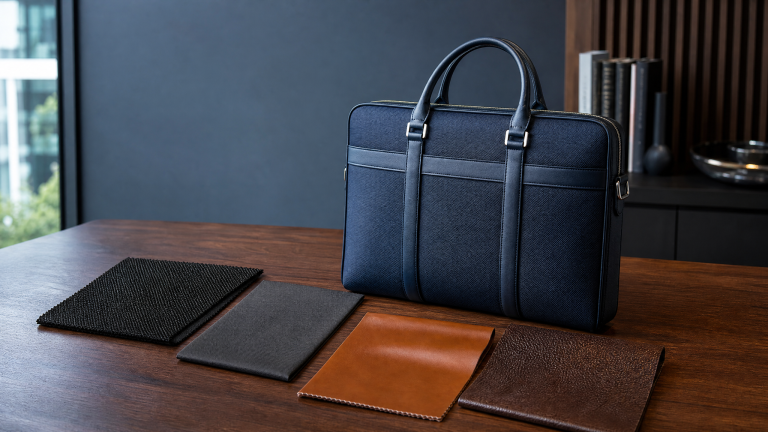
- Material quality: Oxford fabric and premium leather options balance durability with professional aesthetics
- Compartment design: Look for dedicated laptop sleeves, document sections, and quick-access pockets
- Comfort features: Padded straps, reinforced handles, and balanced weight distribution matter during long travel days
- Security: Lockable zippers and RFID-blocking pockets protect your valuables
Need a custom laptop bag designed for professional travel? Request a quote and we will help you find the perfect configuration for your business needs.
Explore Models & Request a Quote
For specifications, customization and QC detail tied to this topic, visit our buy wholesale briefcases. When your specification is set, contact our team and we will return a like-for-like quote for your order.