Messenger Bag vs Backpack for Work: Which Is Better?
The choice between a messenger bag vs backpack for work comes down to three things: what you carry, how you commute, how often you need quick access, and how formal your workplace is. A messenger bag offers professional appearance, fast access and a compact profile. A backpack spreads its load across two shoulders and gives more capacity for heavier equipment or longer journeys. Neither format is automatically better.
For a laptop, documents and everyday office accessories, the better choice depends on the complete load and the user’s routine. For companies sourcing bags in bulk, the decision also involves laptop protection, compartment layout, branding, materials, packaging and the needs of the employees or recipients who will actually use the bags. This guide compares messenger bags and backpacks for work, commuting and business use, including what to specify when developing either format for a corporate or wholesale program.
1. The Basic Difference: The Carrying System
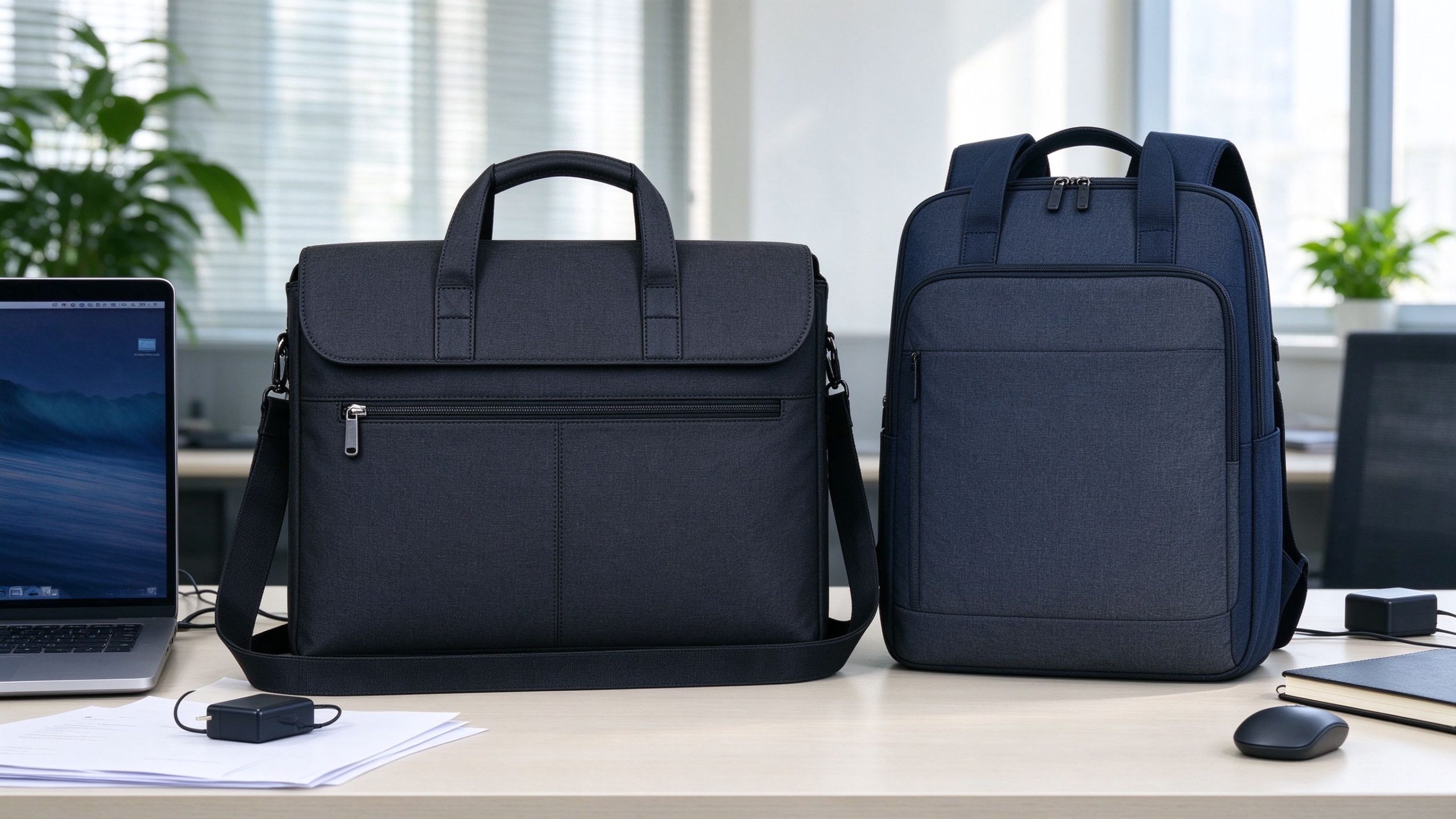
The most obvious difference is how the bag is carried. A messenger bag uses one long shoulder strap, worn over one shoulder or diagonally across the body, with the bag resting beside or slightly behind the hip. A backpack uses two straps and sits on the back. That difference drives everything else: weight handling, access speed and fit in different work environments. A messenger bag typically emphasises quick access, shoulder or crossbody carrying, business-casual appearance and compact organisation. A backpack emphasises two-shoulder carrying, load distribution, higher capacity and hands-free commuting. These are tendencies, not rules — a structured laptop messenger can carry more than a small backpack, while a slim business backpack can look more formal than a casual messenger. Construction matters more than the product name.
2. Messenger Bag vs Backpack for Work: Quick Comparison
| Factor | Messenger Bag | Backpack |
|---|---|---|
| Carrying method | One shoulder or crossbody | Two shoulders |
| Quick access | Excellent | Moderate |
| Weight distribution | More concentrated | More distributed |
| Laptop storage | Good when designed for it | Good when designed for it |
| Document access | Convenient | Usually less immediate |
| Walking commute | Good for light loads | Often preferable for heavier loads |
| Formal appearance | Often strong | Depends on design |
| Conference use | Excellent | Good |
| Corporate branding | Excellent | Excellent |
The right question is not which format is universally better, but which design matches the load, the movement and the working environment. For deeper fit and strap guidance, the messenger bag wearing guide covers strap position, shoulder choice and professional styling in detail.
3. Why Messenger Bags Win on Quick Access
The main advantage of a messenger bag is access. The user can swing the bag to the front without taking it off, which makes it convenient to retrieve a phone, notebook, documents, access card, charger, headphones or small accessories throughout the day. This is especially useful for people who move between offices, meetings, classrooms, conference venues or public transport. Its horizontal profile also sits neatly beside a chair or under a desk. The format, described on Wikipedia as a durable bag originally carried by couriers, has become a standard business-casual work bag.
4. Why Backpacks Win on Load and Comfort
A backpack’s structural advantage is simple: two shoulder straps spread the load. When properly fitted, a heavier bag is easier to carry on two shoulders than on one. But comfort still depends on design — strap width, padding, back panel, laptop compartment position, empty bag weight and base reinforcement. If the daily load is just a laptop, charger, notebook and a few small accessories, either format works. The more equipment the user adds — documents, clothing, samples, multiple devices — the more a well-designed backpack becomes the practical choice. For a messenger bag, the equivalent checks are strap width, shoulder padding, attachment points, internal organisation and bag weight.
5. Laptop Carrying: What to Actually Check
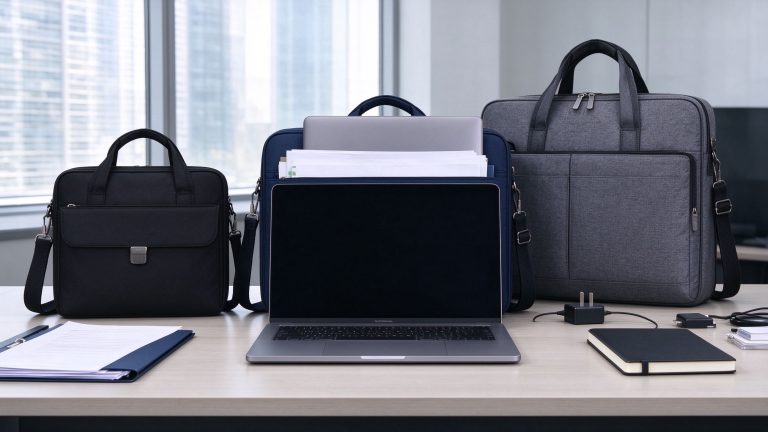
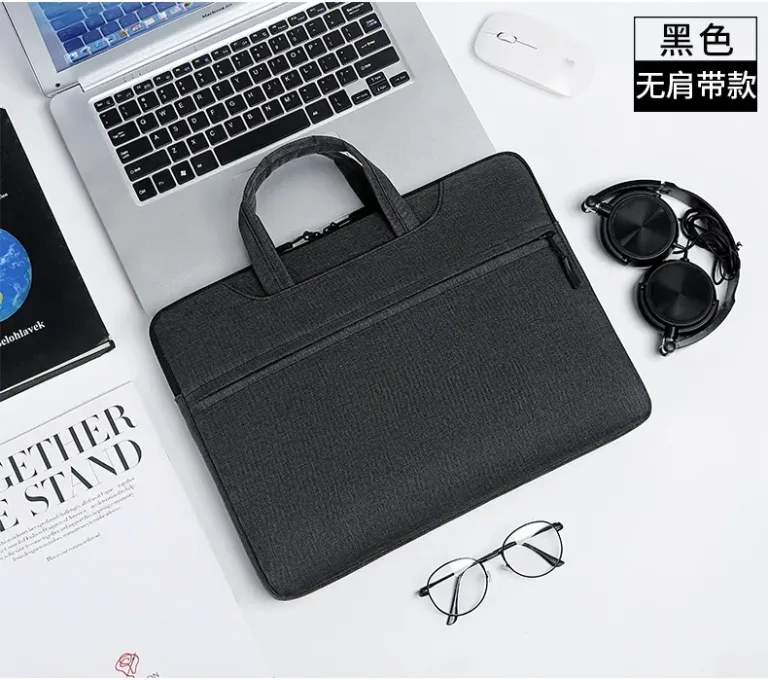
Both formats can be excellent laptop bags, provided the compartment was designed around the real device. Evaluate internal length, width, device thickness, padding, bottom protection, closure, whether the laptop slides around inside, and compatibility with a protective case. Do not select by screen size alone — the laptop bag size guide explains why two laptops with the same advertised 15.6-inch label can have different physical dimensions. A messenger laptop bag suits users who want fast access to the computer plus a traditional business-bag look. A laptop backpack suits users carrying the computer together with charger, headphones, notebook, water bottle and personal items. For corporate purchasing, test the actual device in the sample compartment before bulk production.
6. Professional Appearance
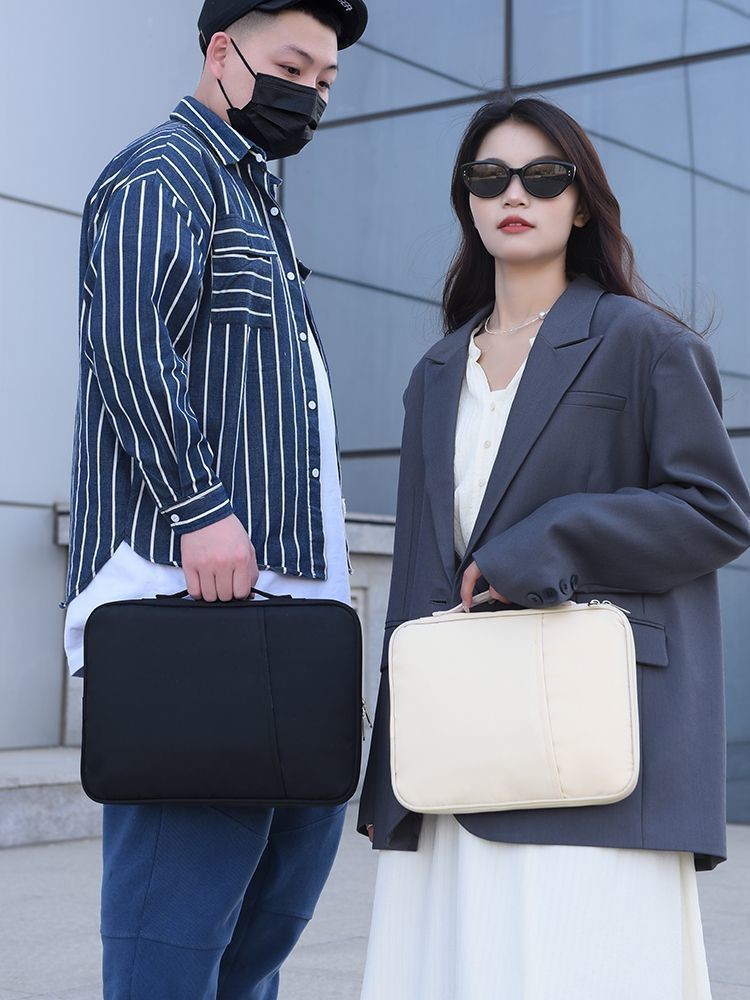
Appearance depends on design language, not the category. A clean messenger bag — rectangular structure, dark neutral colour, minimal branding, padded laptop section, document organisation — can look professional without the formality of a traditional briefcase. A backpack can also look corporate when it has a clean silhouette, controlled proportions, limited external decoration, good hardware and an organised structured laptop section. The old assumption “messenger = professional, backpack = casual” no longer holds. For executive meetings, formal client presentations or traditional industries, a structured briefcase may still be more appropriate than either. For tech companies, consulting, sales teams and mobile employees, a well-made messenger bag or business backpack can both fit the culture.
7. Commuting: Walking, Transit, Cycling and Travel
The best format depends on how the person travels. For short walks with a light load, a messenger bag works well; for longer walks or heavier loads, a backpack pulls ahead. On public transport, the messenger bag wins for quick ticket, phone and document access and for keeping valuables in front in crowded spaces; a backpack offers capacity but needs more care in crowds. For cycling, an adjusted crossbody messenger stays close to the body, while a well-fitted backpack is also common. On business travel, a slim messenger works as a personal work bag alongside luggage, while a backpack can combine the laptop with travel essentials. The travel setup, not the category, usually decides.
8. Documents, Capacity and Organisation
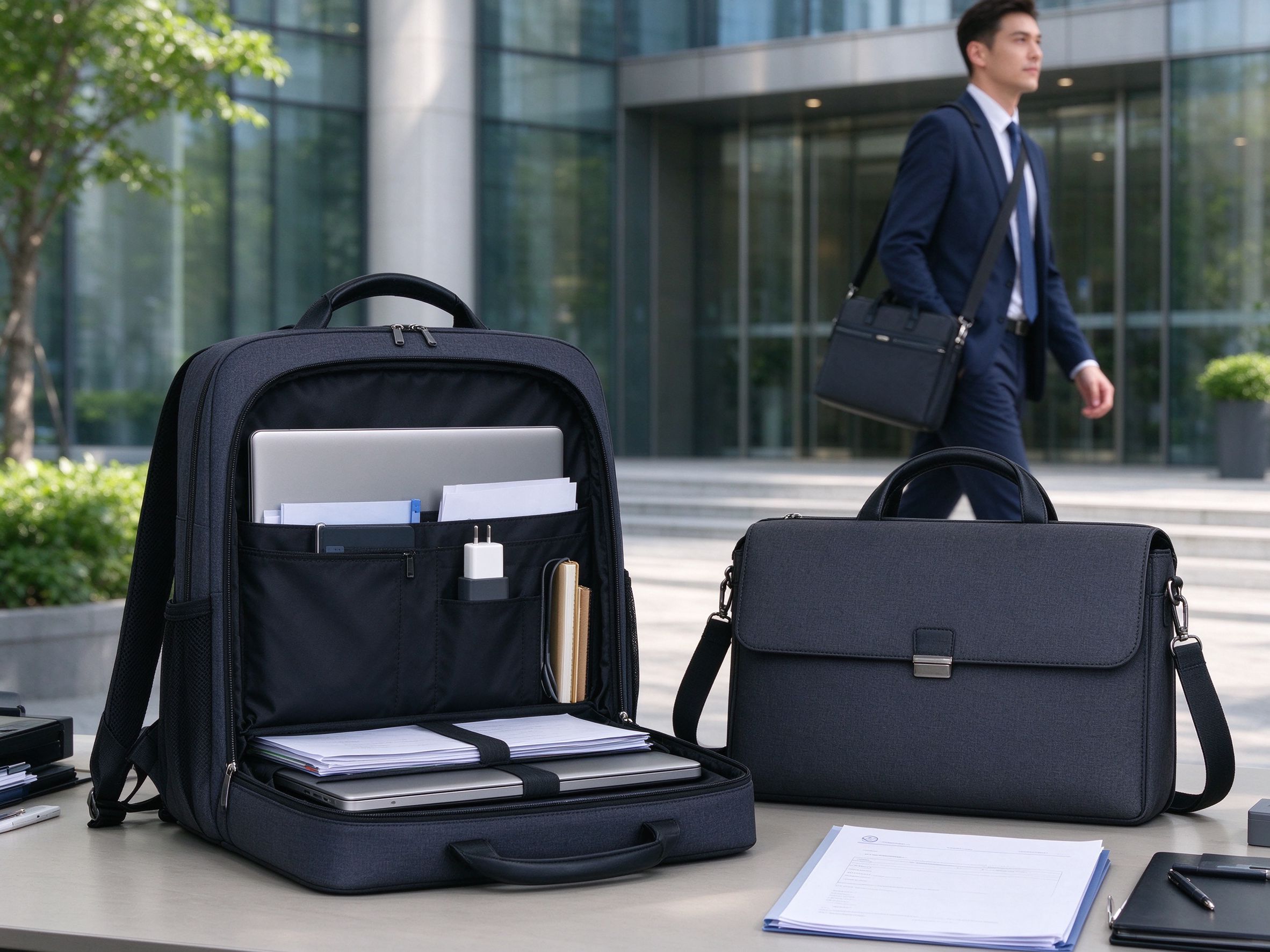
Messenger bags are naturally convenient for documents thanks to their horizontal orientation: a main document compartment, laptop sleeve, front organiser, notebook section, zipped pocket and pen loops work well for A4 papers, notebooks and a laptop. A backpack can also carry documents, but its organisation depends heavily on internal construction — if papers must stay flat and instantly accessible, specify a dedicated flat document section. This matters for sales teams, consultants, trainers, conference staff and field representatives. On raw capacity, neither category wins universally: backpacks use vertical height and depth, messenger bags use horizontal width. List the intended contents before choosing, and design compartments around that list.
9. Conferences and Events
Messenger bags shine at conferences because attendees need quick access to notebooks, programmes, documents, tablets, chargers and business cards — and the front panel gives a visible branding surface. Backpacks fit events where attendees carry heavier equipment: tech conferences, training programmes, university events and field sessions. The bag should remain useful after the event rather than becoming a single-use giveaway, which is why many corporate buyers specify a real work bag rather than a cheap tote.
10. Branding and Customization
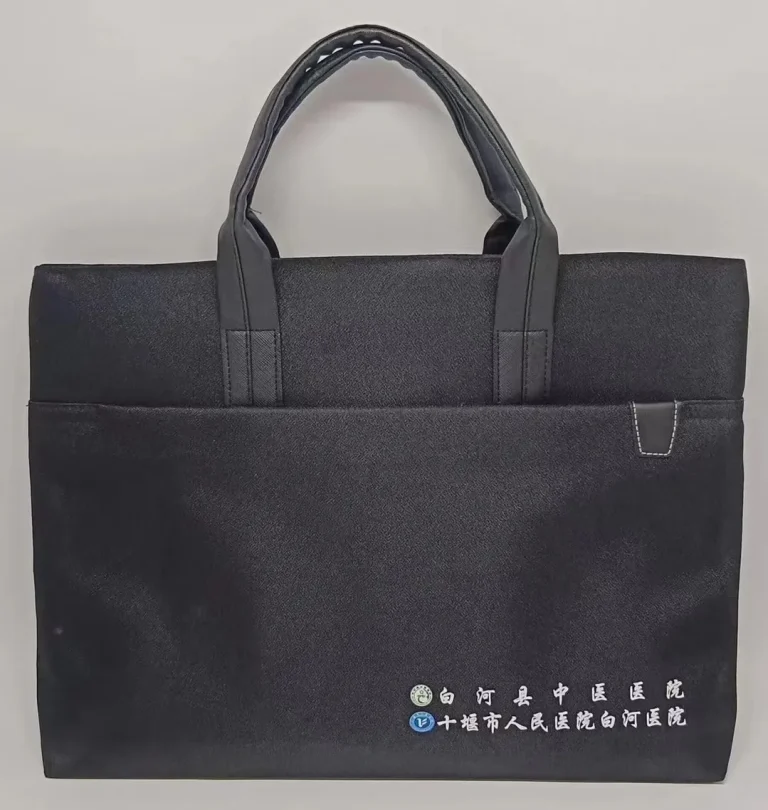
Both formats support OEM and private-label development. Messenger bag branding sits on the front panel, flap, side or interior label, rubber patch or woven label — the front panel is visually prominent, but logo size must match the bag dimensions and fabric. Backpack branding is more fragmented across front pocket, upper panel, side label, strap and interior. Either way, the logo should be evaluated with the material, decoration method, corporate colours and audience in mind — see custom bags with logo for the full decoration options. For laptop-focused projects, the custom laptop bag manufacturer page covers device-specific compartments, materials, hardware, packaging and OEM development. A physical sample is the best way to judge the logo’s final size and placement.
11. Choosing by Work Situation
Office employees with a light daily load and frequent document access usually prefer a messenger bag; those carrying more equipment lean toward a backpack. Sales reps moving between offices and meetings benefit from a messenger bag, while reps carrying samples may need a larger backpack. Consultants can use either, depending on travel frequency. Students and trainees often need a backpack for books and devices; business-focused training programmes suit a lighter messenger. Field workers carrying weight over long durations benefit from two-shoulder carrying; those reaching small tools all day may prefer a messenger’s access.
12. When to Pick a Messenger Bag
Choose a messenger-style work bag when the priorities are quick access, business-casual appearance, document organisation, compact carrying, easy removal, crossbody mobility, a visible front branding area, or a traditional business-bag look. It works best with a moderate daily load and users who repeatedly retrieve documents or accessories through the day. It is also the natural choice for corporate programmes that want something more business-oriented than a casual backpack.
13. When to Pick a Backpack
Choose a backpack when the priorities are heavier loads, two-shoulder carrying, longer commuting, larger equipment loads, flexible storage and hands-free movement — or when users combine a laptop with personal items. But a large backpack is not automatically better: excess capacity creates bulk and encourages overpacking. Design it around the intended use.
14. What B2B Buyers Should Specify
Ordering several hundred bags? Send the manufacturer more than a product name and a logo. Specify: format (messenger, backpack, laptop briefcase), external and important internal dimensions, laptop model or actual device size, the contents list, preferred outer fabric and lining, compartment requirements, carrying system (strap width, padding, handles), branding artwork and decoration method, packaging, quantity with colour/SKU breakdown, destination and required delivery date. That gives suppliers a clear basis for sampling and quotation.
Also state the commercial details up front: target quantity with colour breakdown, sample fee, sample lead time, bulk production lead time, shipping term, estimated freight and required in-hand date. Asking every supplier for the same information is what later makes the quotations comparable — and it reduces the risk that a seemingly cheap quote quietly omits packaging, logo setup or inspection.
15. Test the Sample With the Real Load
Load the sample like a real workday: laptop, protective case, charger, mouse, notebook, documents — and for backpacks, any extra equipment employees normally carry. Then check: does the laptop move? Does the zipper close easily? Are documents bent? Is the bag too bulky? Are the straps comfortable? Does the bag stay stable on the move? Can frequently used items be reached? Is the logo positioned correctly? A sample is a working product, not a photograph — judge it loaded and used.
16. Frequently Asked Questions
Is a messenger bag vs backpack better for an office job?
For a light office load with frequent document and access-card use, a messenger bag is usually more practical. For heavier equipment, longer walks or staff who carry personal items as well, a backpack distributes the load better.
Is a backpack professional for business meetings?
A clean, structured business backpack in a dark neutral colour with minimal branding can look professional in most modern workplaces. For very formal industries or executive meetings, a structured briefcase remains the safer choice.
Can both formats carry a laptop safely?
Yes, when they include a padded compartment sized to the actual device. Check internal dimensions and bottom protection rather than the screen-size label.
17. Final Verdict
There is no universal winner in the messenger bag vs backpack comparison. A messenger bag is often the better work choice when quick access, professional appearance, document organisation and crossbody mobility matter most. A backpack wins when users carry more equipment, commute longer distances, or need two-shoulder carrying and flexible storage. For bulk ordering, start with the user’s real work setup — laptop, documents, accessories, carrying environment, capacity and branding — and then choose the format that supports it. Whichever format you pick, the sourcing principle is the same: specify the finished product in detail and approve a representative loaded sample before mass production.