Laptop Bag Size Guide: How to Choose the Right Fit for Work
Choosing the right laptop bag size is more complicated than matching a bag to a screen-size label.
A laptop marketed as 13, 14, 15.6 or 16 inches can have different physical dimensions depending on its frame, bezels, hinge design, battery housing and protective case. A bag may be large enough for the computer but too small for the charger, notebook, documents or other work accessories.
For an individual buyer, choosing the wrong size can make the bag uncomfortable and difficult to use. For a company ordering laptop bags for employees, conferences or promotional programs, the consequences can be more expensive. An unsuitable compartment can create complaints, require design revisions or leave a large quantity of bags that do not fit the intended devices.
This laptop bag size guide explains how to measure a computer, compare internal and external dimensions, plan space for accessories, choose a practical carrying format and prepare accurate specifications for a custom or wholesale laptop bag order.
Why Laptop Bag Size Matters
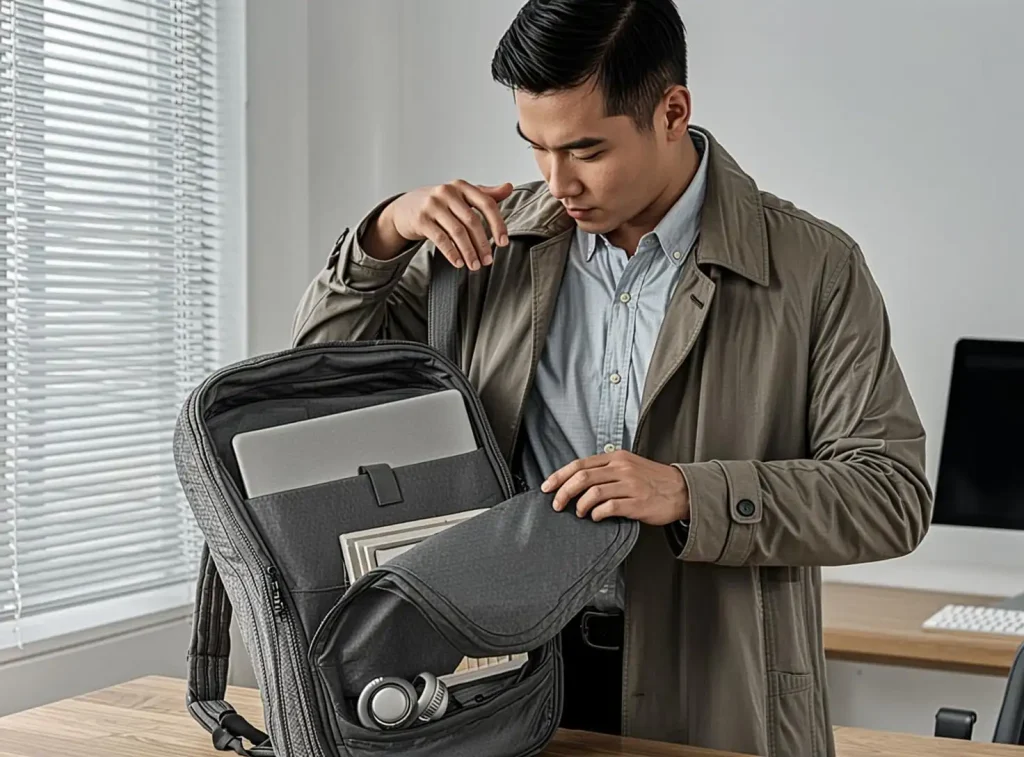
The correct size affects more than whether the laptop can be inserted into the bag.
It also affects:
- Device protection
- Internal organisation
- Carrying comfort
- Bag weight
- Professional appearance
- Space for chargers and documents
- Packaging volume
- Custom production accuracy
A compartment that is too small can make the device difficult to insert and remove. It may also place pressure on the zipper, seams or corners.
A compartment that is too large may allow the laptop to move during transport. Excess space can reduce stability and make the bag look oversized for normal office use.
The best laptop bag is not necessarily the largest one. It should provide enough practical room for the complete work setup without adding unnecessary bulk.
Laptop Screen Size Is Not the Same as Laptop Dimensions
Laptop screen size is normally measured diagonally across the display. A laptop bag must accommodate the physical body of the computer.
Two laptops with the same advertised screen size may differ in:
- Length
- Width
- Thickness
- Bezel size
- Hinge shape
- Port placement
- Protective-case dimensions
For example, two computers described as “15.6-inch laptops” may not have identical external measurements.
A product description such as “fits a 15.6-inch laptop” should therefore be treated as a general reference, not a complete fit guarantee.
For a custom or corporate order, the safer approach is to provide the actual device dimensions before the laptop compartment is finalized.
How to Measure a Laptop for a Bag
Measure the laptop when it is closed.
Record the following:
Length
Measure the longest horizontal side of the laptop body.
Width
Measure the shorter horizontal side.
Thickness
Measure the deepest point when the laptop is closed. If the device has an unusual hinge or raised section, include that area.
Protective case dimensions
If the laptop will be used with a sleeve or hard case, measure the device together with the case. The bag compartment needs to accommodate the protected device, not only the bare computer.
Charger and accessory dimensions
Record the size of the charger, power brick and any unusual accessories that will travel with the laptop.
For business or onboarding programs, also consider:
- Mouse
- Headset
- USB hub
- External battery
- Docking device
- Portable monitor
- Notebook
- A4 documents
The laptop is only one part of the final carrying system.
Internal Dimensions Versus External Dimensions
One of the most common sizing mistakes is comparing the computer with the external dimensions of the bag.
External dimensions include:
- Main fabric
- Foam or padding
- Lining
- Dividers
- Front and back panels
- Gussets
- Seams
- Zippers
- Reinforcement
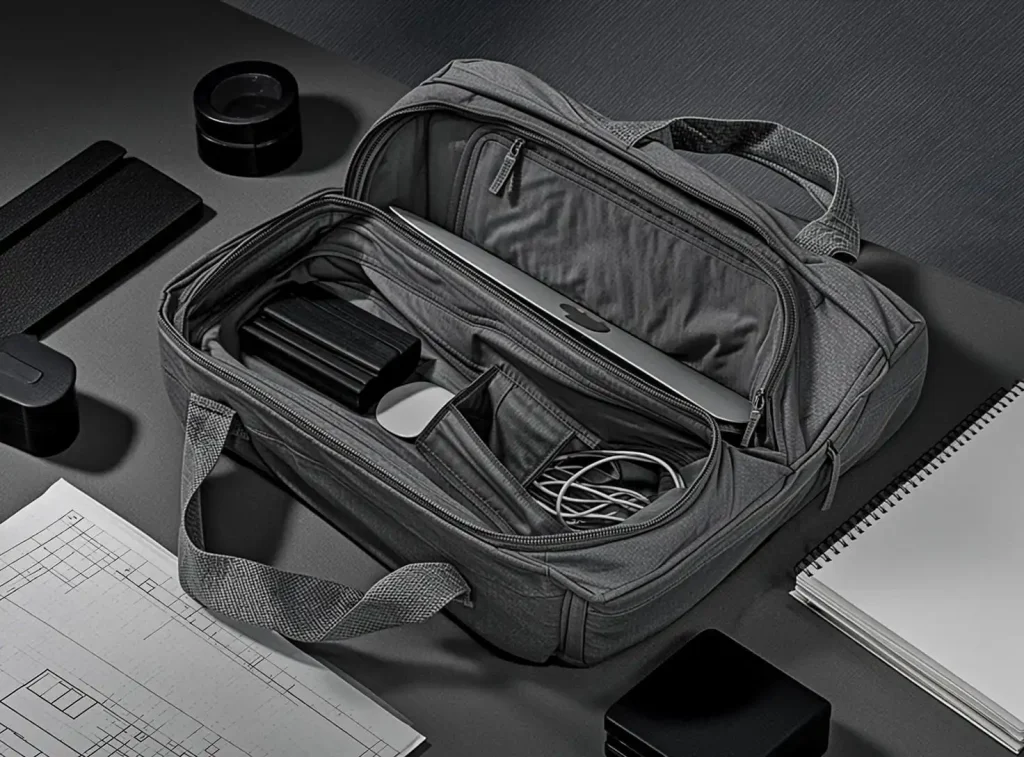
The usable laptop compartment is smaller than the outside of the bag.
A bag may appear wide enough from the outside, but thick padding or a divider may reduce the usable opening. A structured base may also change the shape of the internal space.
When reviewing a laptop bag, ask for both:
- External bag dimensions
- Internal laptop-compartment dimensions
The internal compartment is the more important figure for device fit.
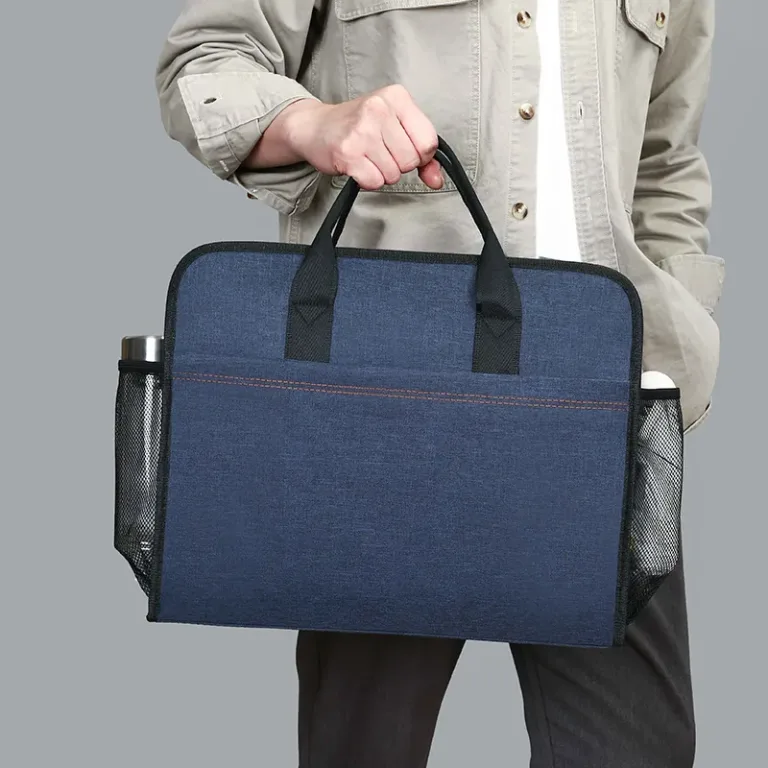
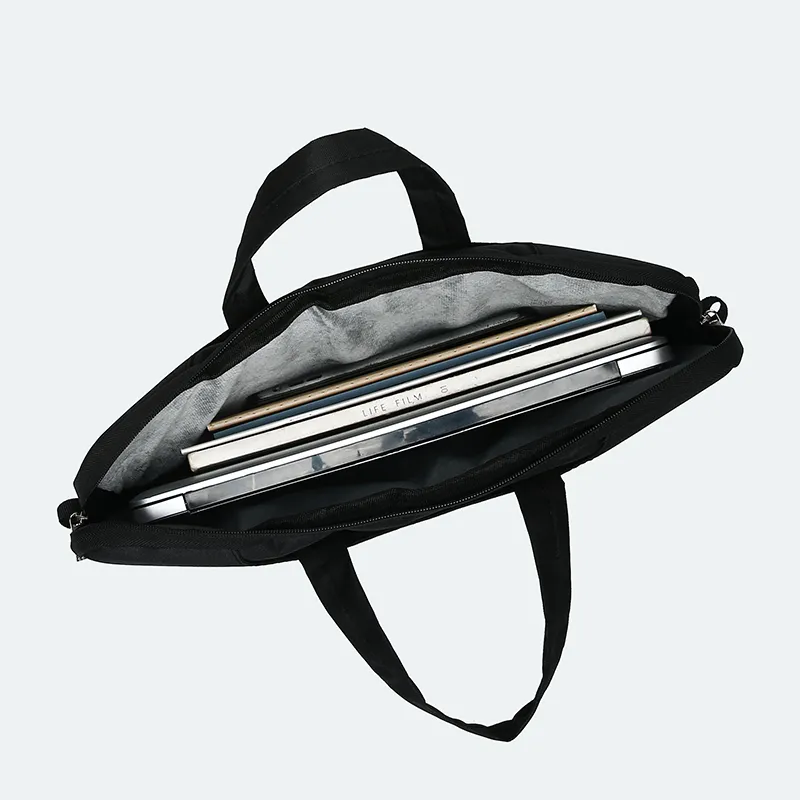
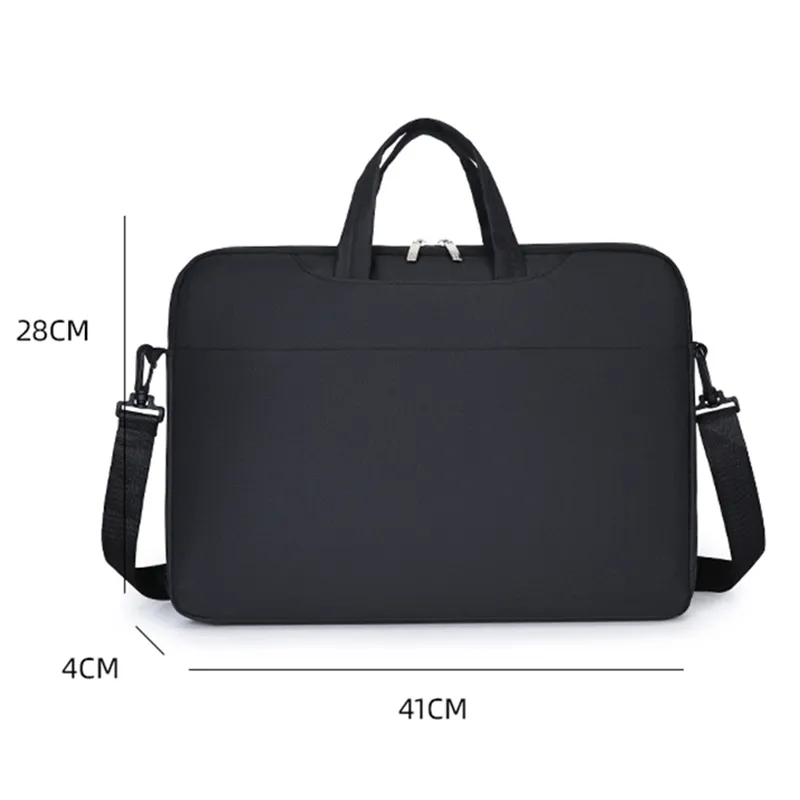
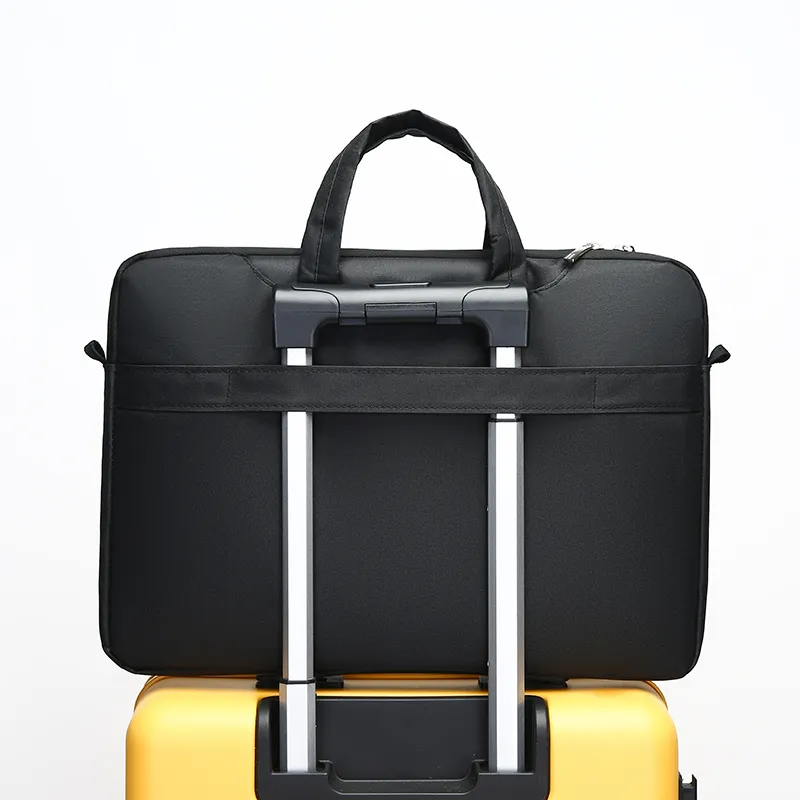
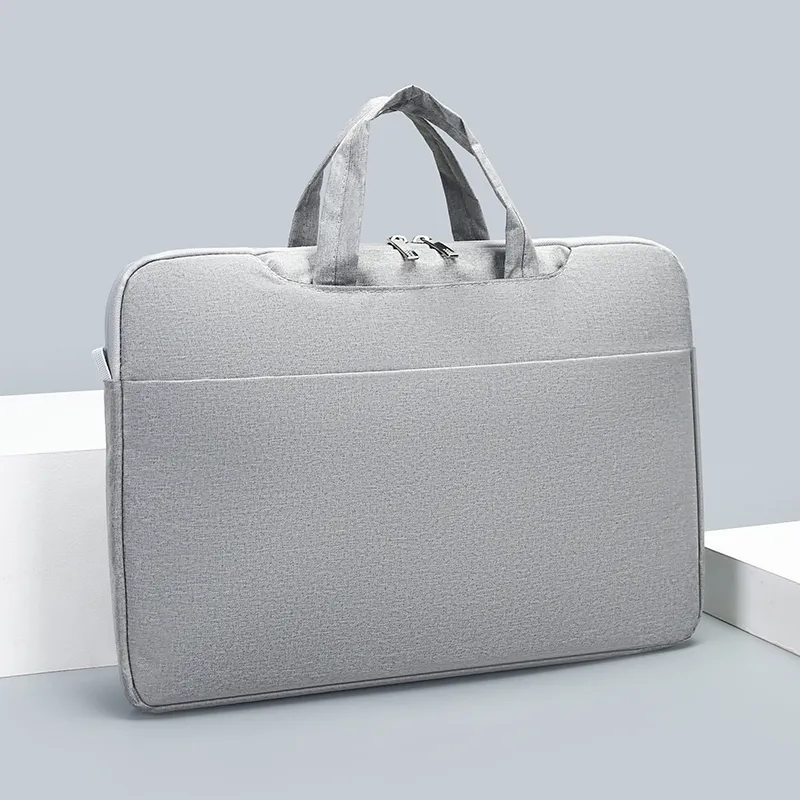
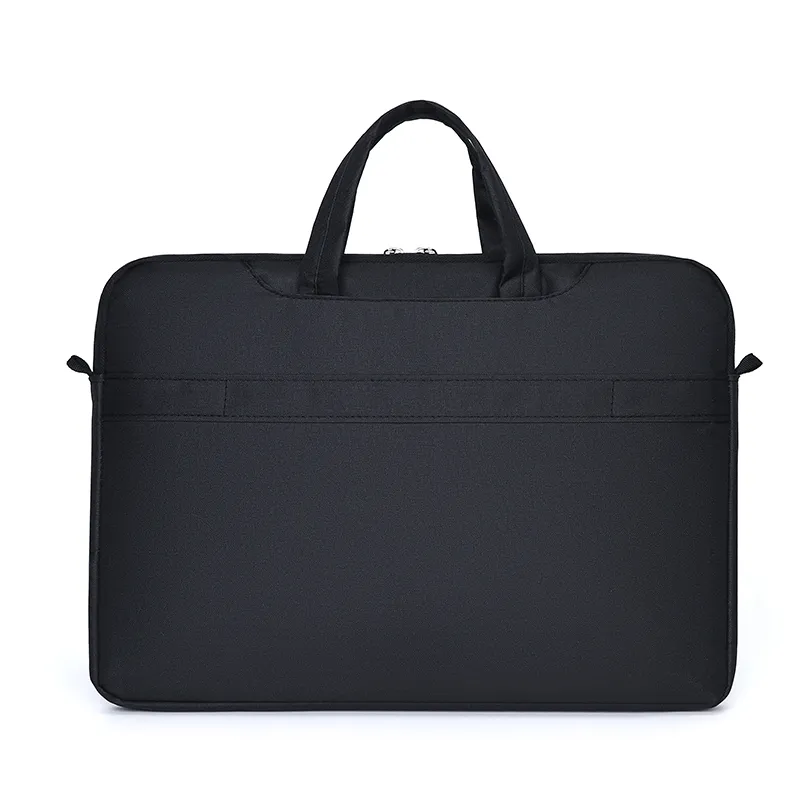
Existing BriefcaseCustom product information also treats laptop compatibility as approximate until the actual device dimensions are confirmed. Model 305, for example, is presented as a slim 13–15.6-inch laptop briefcase, while the product notes still recommend checking the actual computer before sampling or bulk approval.

How Much Extra Space Should a Laptop Compartment Have?
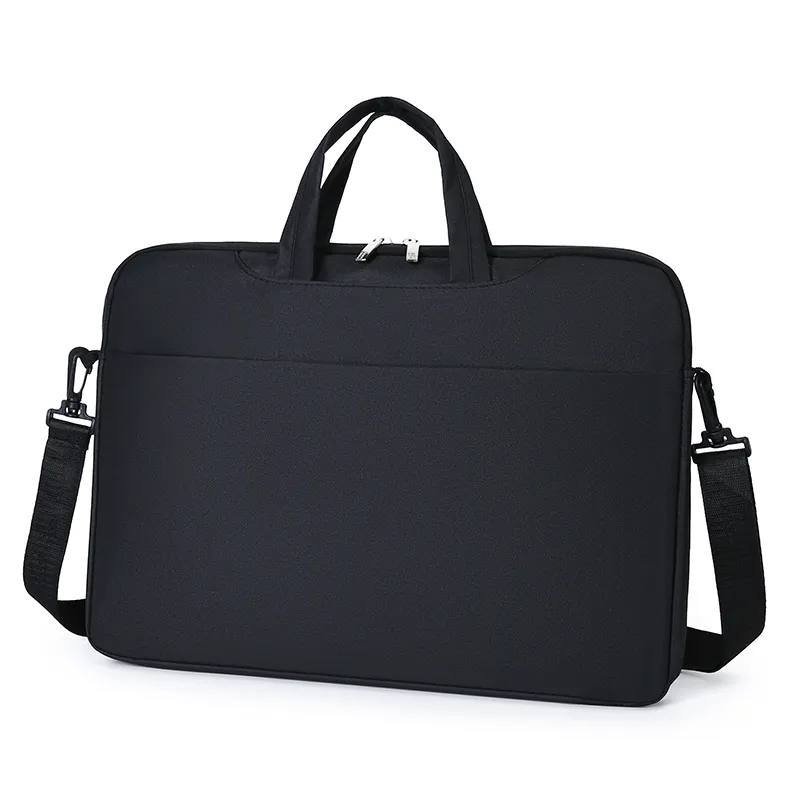
A laptop compartment should not be exactly the same size as the computer.
The required allowance depends on:
- Whether the laptop uses a sleeve
- Padding thickness
- The closure design
- The shape of the compartment
- Whether the bag holds one device or more
- How easily the user needs to remove the laptop
Too little clearance can make the device difficult to insert. Too much clearance can allow movement inside the bag.
A useful specification should define:
- Bare laptop dimensions
- Protected laptop dimensions
- Required padding
- Intended fit
- Whether a small clearance is needed for easy access
The final allowance should be checked with a physical sample. A digital drawing can show the intended dimensions, but it cannot fully demonstrate how the device enters, sits and moves inside the finished compartment.
Common Laptop Bag Size Categories
Compact laptop bags
Compact bags are generally intended for:
- Small laptops
- Ultrabooks
- Tablets
- Light daily carry
- Short commutes
They may hold a laptop, charger, notebook and a few small accessories.
Advantages include:
- Lower weight
- Easier storage
- Compact appearance
- Good suitability for light work setups
Limitations may include:
- Limited document space
- Small charger capacity
- Less flexibility for larger devices
- Less room for personal items
Medium laptop bags
A medium laptop bag is often the most flexible option for office work.
It may accommodate:
- Laptop
- Charger
- Notebook
- Documents
- Mouse
- Headphones
- Small personal items
This format can work well for employees, consultants, sales staff, students and business travelers.
However, “medium” is not a fixed industry measurement. The exact internal compartment should still be checked against the device and contents list.
Large laptop bags
Large laptop bags may be useful for:
- Larger computers
- Thick protective cases
- Multiple devices
- A4 folders
- Large chargers
- Product samples
- Training materials
The trade-off is greater weight and a larger external profile. A large bag can be useful for field work or travel but unnecessary for users who carry only a slim laptop.
Choosing Laptop Bag Size by Use Case
Daily office commuting
A commuter laptop bag usually needs:
- Laptop protection
- Charger storage
- Notebook space
- Comfortable shoulder carrying
- Professional appearance
- Moderate weight
A structured laptop briefcase or medium laptop shoulder bag can be suitable.
Business travel
A travel laptop bag may need:
- Extra accessory space
- Documents
- Travel items
- Secure closures
- Luggage compatibility
- A durable carrying system
A larger bag may be useful, but excess depth can allow the laptop to shift during transport.
Conferences and training events
A conference laptop bag may need:
- Laptop space
- Notebook storage
- A4 documents
- Charger space
- Visible branding
- Lightweight construction
Conference projects often require the bag to work during the event and remain useful afterward. BriefcaseCustom’s conference-bag content specifically describes event bags around notebooks, catalogues, tablets, chargers and business documents rather than using one generic size for every event.
Employee onboarding
An onboarding bag may need to hold:
- Laptop
- Charger
- Mouse
- Headset
- Notebook
- Welcome documents
- Access materials
In this situation, the bag should be sized around the complete onboarding kit, not only the laptop.
Sales and field teams
A sales-oriented laptop bag may need room for:
- Computer
- Charger
- Brochures
- Product samples
- Contracts
- Notebooks
- Business cards
This often requires more depth and more internal organisation than a simple laptop sleeve.
Depth Matters as Much as Length and Width
Many buyers focus on length and width but ignore depth.
Depth affects whether the bag can accommodate:
- A thick laptop
- Protective case
- Charger
- Notebook
- Documents
- Accessories
A slim laptop bag may look professional but become difficult to use when the charger and documents are added.
A deep bag provides more capacity but can:
- Look bulky
- Increase weight
- Allow the device to move
- Increase shipping volume
- Reduce carrying comfort
The correct depth depends on the actual contents. A sleeve designed only for a computer can be shallow. A business laptop briefcase needs more space for the complete work setup.
Design the Laptop Compartment Around the Device
Size alone does not guarantee protection.
Review the compartment’s:
- Padding
- Bottom clearance
- Side protection
- Closure
- Divider
- Attachment points
- Relationship to the outer bag
A compartment that ends directly at the bottom seam may provide less protection than one with a padded base or additional clearance.
For a custom project, specify whether the laptop compartment should be:
- Fixed inside the main compartment
- Suspended above the base
- Removable
- Separated from documents
- Suitable for one device
- Suitable for two devices
Also consider orientation. A vertical laptop compartment may work better for a taller briefcase, while a horizontal compartment may suit a slim business case.
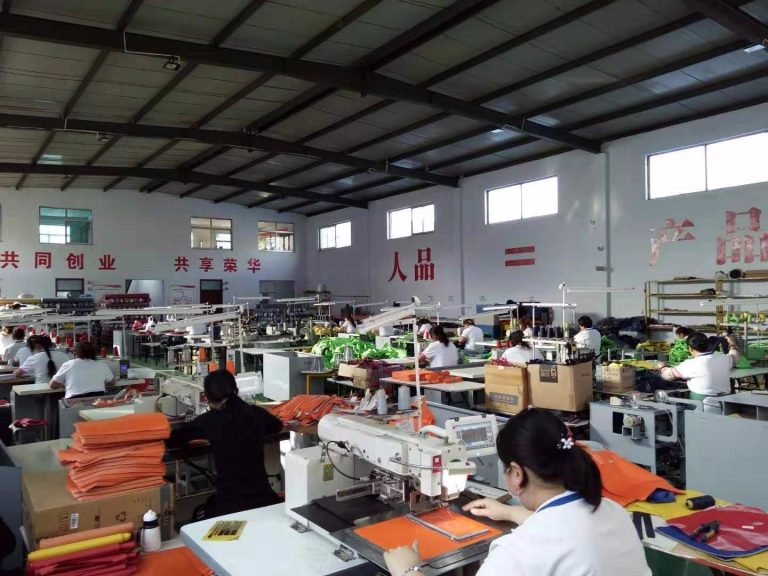
For company projects, a custom laptop bag manufacturer can review the device dimensions, padding requirements, accessory layout and intended carrying method before sampling.
Plan Space for Chargers and Accessories
Chargers can occupy more space than buyers expect, especially when the power brick is large.
A useful laptop bag may need to hold:
- Charging brick
- Power cable
- Mouse
- Headphones
- Power bank
- USB hub
- Notebook
- Pens
- Phone
- Business cards
Decide whether these items need:
- A dedicated pocket
- An open compartment
- A zipped pocket
- Elastic loops
- A cable organiser
If the laptop bag is intended for an employee program or conference, collect the actual kit list before the design is approved. A bag designed only around the laptop may not work for the complete distribution package.
Allow Space for A4 Documents
Many professionals carry documents in addition to a computer.
If the bag must hold papers or folders, confirm:
- Document size
- Number of pages
- Folder thickness
- Whether the papers must remain flat
- Whether documents share the laptop compartment
A narrow laptop bag may fit the device but bend A4 materials. A wider business briefcase may provide better document organisation.
A dedicated document section can also stop papers from rubbing against the laptop or becoming mixed with cables and accessories.
Handles and Shoulder Straps
The carrying system should match the bag size and expected load.
Handles
Check:
- Handle length
- Handle drop
- Padding
- Attachment position
- Reinforcement
- Hand clearance
Short handles can create a formal briefcase appearance. Longer handles may be easier to use over heavier clothing.
Shoulder straps
Check:
- Strap width
- Adjustment range
- Padding
- Attachment points
- Detachable or fixed construction
- Crossbody suitability
A larger laptop bag may require a wider or padded shoulder strap because it is more likely to carry a heavier load.
When reviewing a sample, test the bag with the actual laptop, charger and documents inside. A strap that feels comfortable on an empty bag may feel different when loaded.
Size and Branding
The available branding surface can change with the size and structure of the bag.
A larger front panel may provide room for:
- Company logo
- Campaign mark
- Corporate colour
- Event branding
- Product label
A small laptop sleeve may need:
- A smaller print
- A woven label
- A discreet patch
- An interior brand label
The logo should remain proportionate to the bag. A very large mark can make a compact work bag look promotional rather than professional.
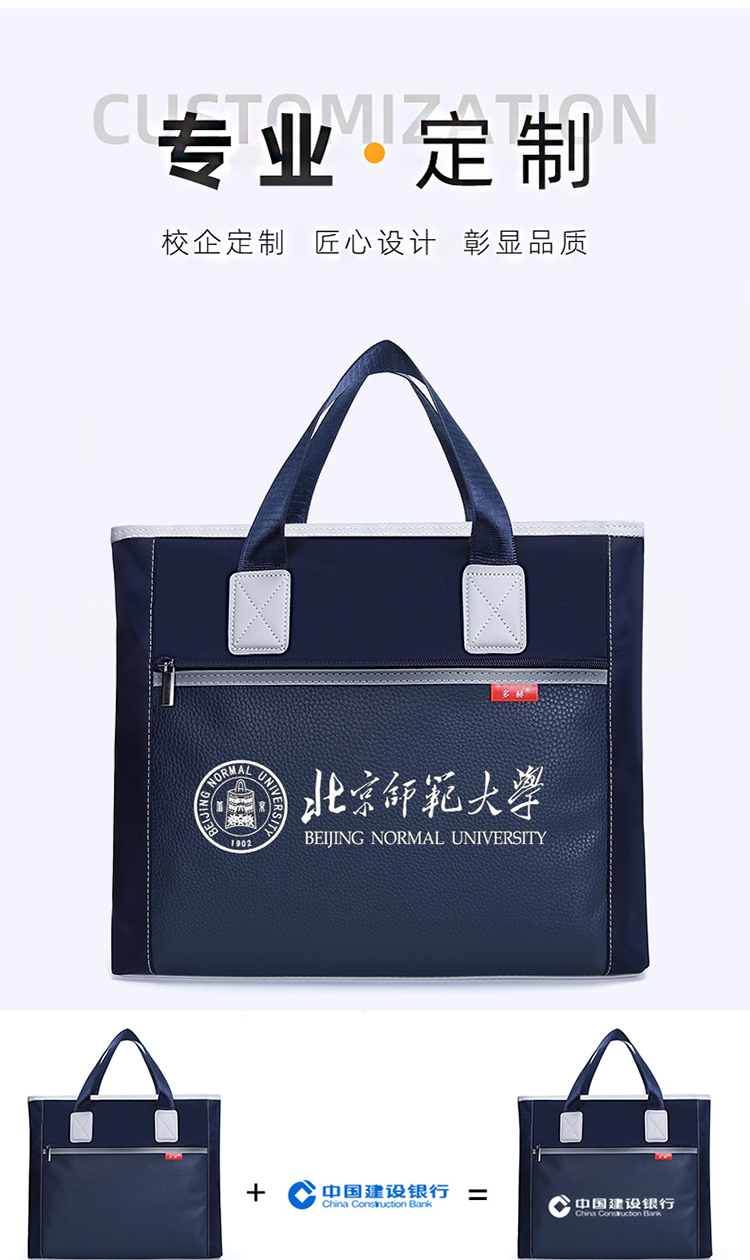
The decoration method should be evaluated on the actual material. Oxford fabric, nylon, PU and leather-like surfaces may require different logo treatments.
For branded business bags, the custom bags with logo page is a relevant next step when the project requires artwork review, logo placement and production planning.
Size and Shipping Efficiency for Bulk Orders
For corporate and wholesale orders, bag size affects more than user comfort.
Larger or deeper bags may increase:
- Individual packing volume
- Carton dimensions
- Shipping weight
- Warehouse space
- Pallet efficiency
- Freight cost
A bag should not be made larger simply to provide “extra capacity” if the additional space will not be used.
For a conference or onboarding program, compare:
- Contents list
- Bag dimensions
- Foldability
- Packing method
- Units per carton
- Warehouse limits
- Delivery destination
Final dimensions should be confirmed before packaging and carton planning are approved.
What Corporate Buyers Should Send a Manufacturer
A clear quotation request should include:
- Laptop model or actual dimensions
- Protective case dimensions
- Charger size
- Accessory list
- Document requirements
- Preferred bag format
- Internal compartment requirements
- Material preference
- Colour
- Logo artwork
- Logo position
- Quantity
- Colour breakdown
- Packaging
- Required delivery date
- Destination
If the project involves several devices, provide a table rather than a general statement such as “for company laptops.”
A physical sample should be tested with the actual device and the complete contents list before mass production.
Common Laptop Bag Sizing Mistakes
Choosing only by screen size
Screen size does not define the complete outer dimensions of the computer.
Measuring the bare laptop but not the case
The protected device may be significantly larger.
Ignoring charger size
The laptop may fit while the charging brick does not.
Comparing only external measurements
Padding, lining and dividers reduce usable space.
Making the bag too deep
Extra space can increase bulk and allow the computer to move.
Forgetting documents
A laptop bag may also need to carry folders, notebooks or training papers.
Using one size for every device
A multi-device program may require adjustable compartments or more than one internal size.
Skipping the loaded sample test
A bag may appear suitable when empty but become uncomfortable when fully packed.
Laptop Bag Size Checklist
Before approving a laptop bag, confirm:
- Laptop length
- Laptop width
- Laptop thickness
- Protective-case dimensions
- Charger size
- Accessory list
- Document requirements
- Internal laptop-compartment dimensions
- Padding and base protection
- Closure method
- Handle and shoulder-strap requirements
- Logo position
- Quantity and colour breakdown
- Packaging
- Sample approval
- Required delivery date
Final Thoughts
The right laptop bag size is based on the complete work setup, not only the number printed in the laptop’s product name.
Measure the laptop, protective case, charger and accessories. Compare internal compartment dimensions instead of relying on outside measurements. Consider the documents the user carries, the length of the commute, the required protection and the available branding surface.
For individual buyers, these checks help prevent an uncomfortable or impractical purchase. For companies, they reduce the risk of ordering a custom bag that does not fit the intended device or employee kit.
A well-sized laptop bag should protect the computer, organise the accessories and remain comfortable to carry without becoming unnecessarily large.